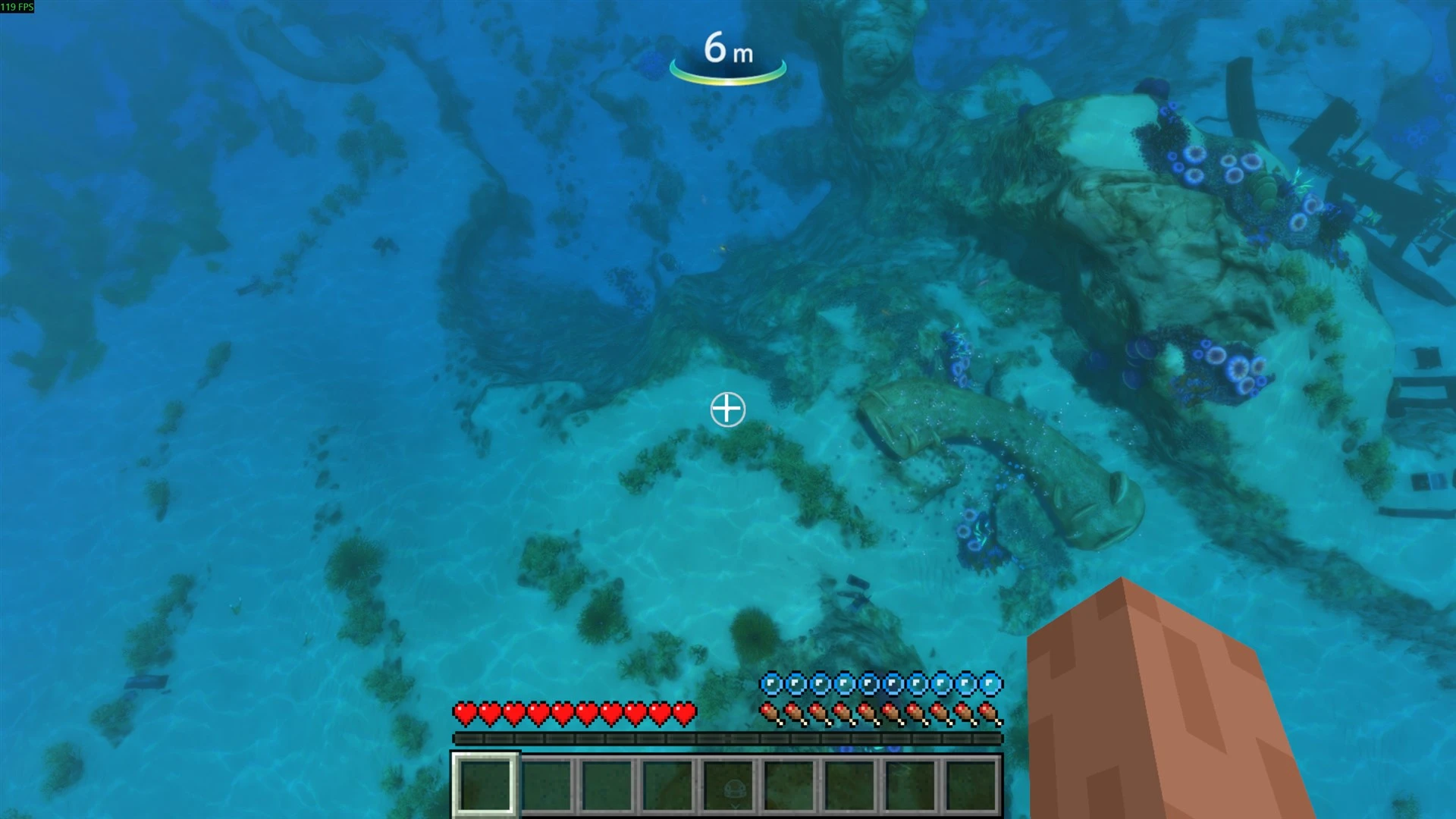
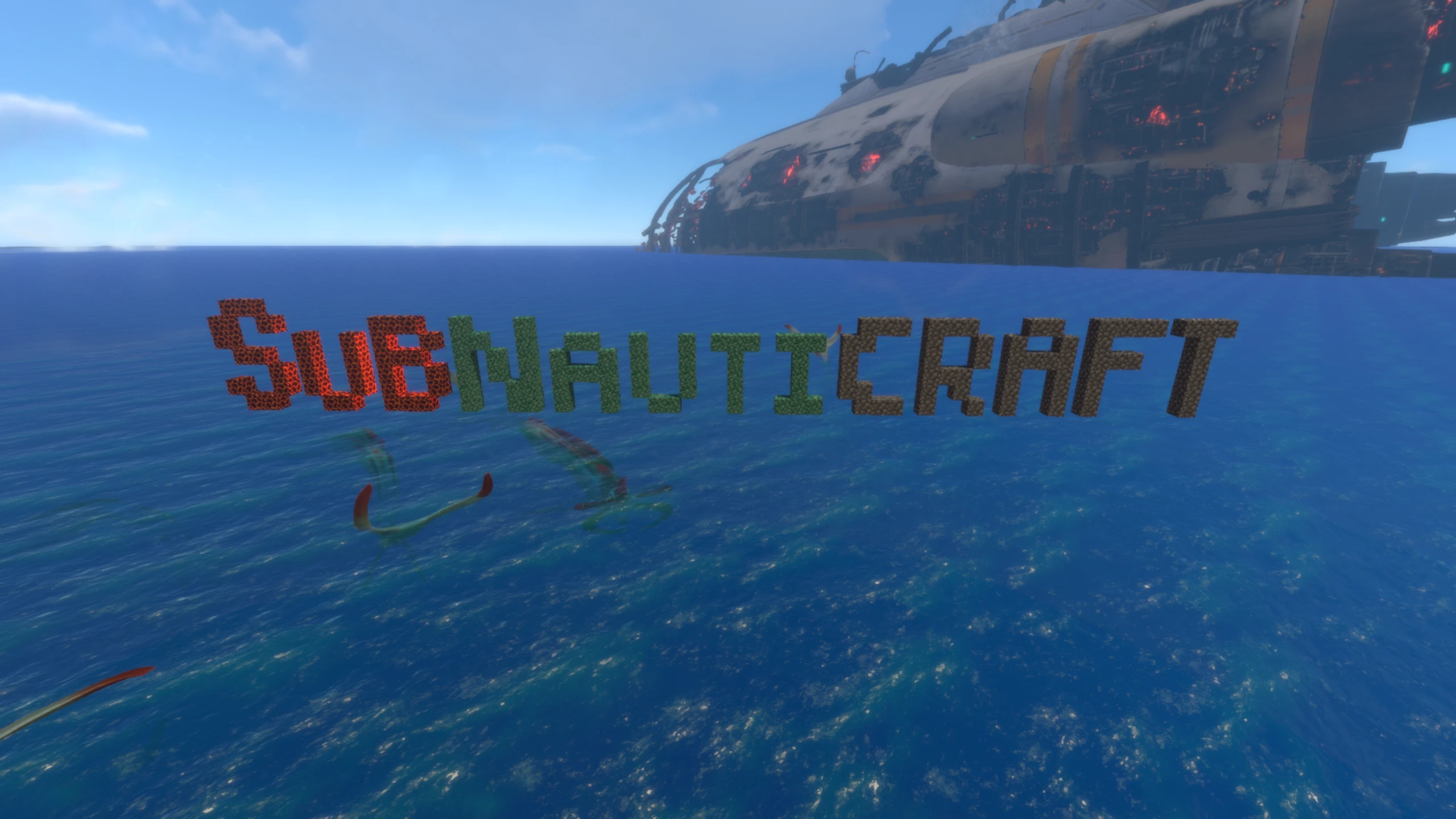
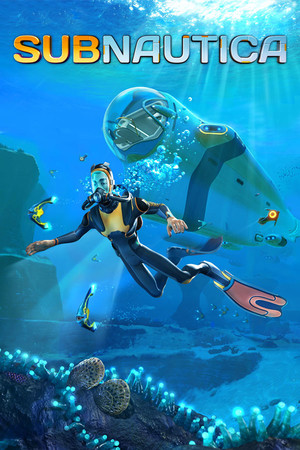
Place and break real Minecraft blocks in Subnautica's ocean, with Minecraft's hotbar, hunger and inventory along for the dive.
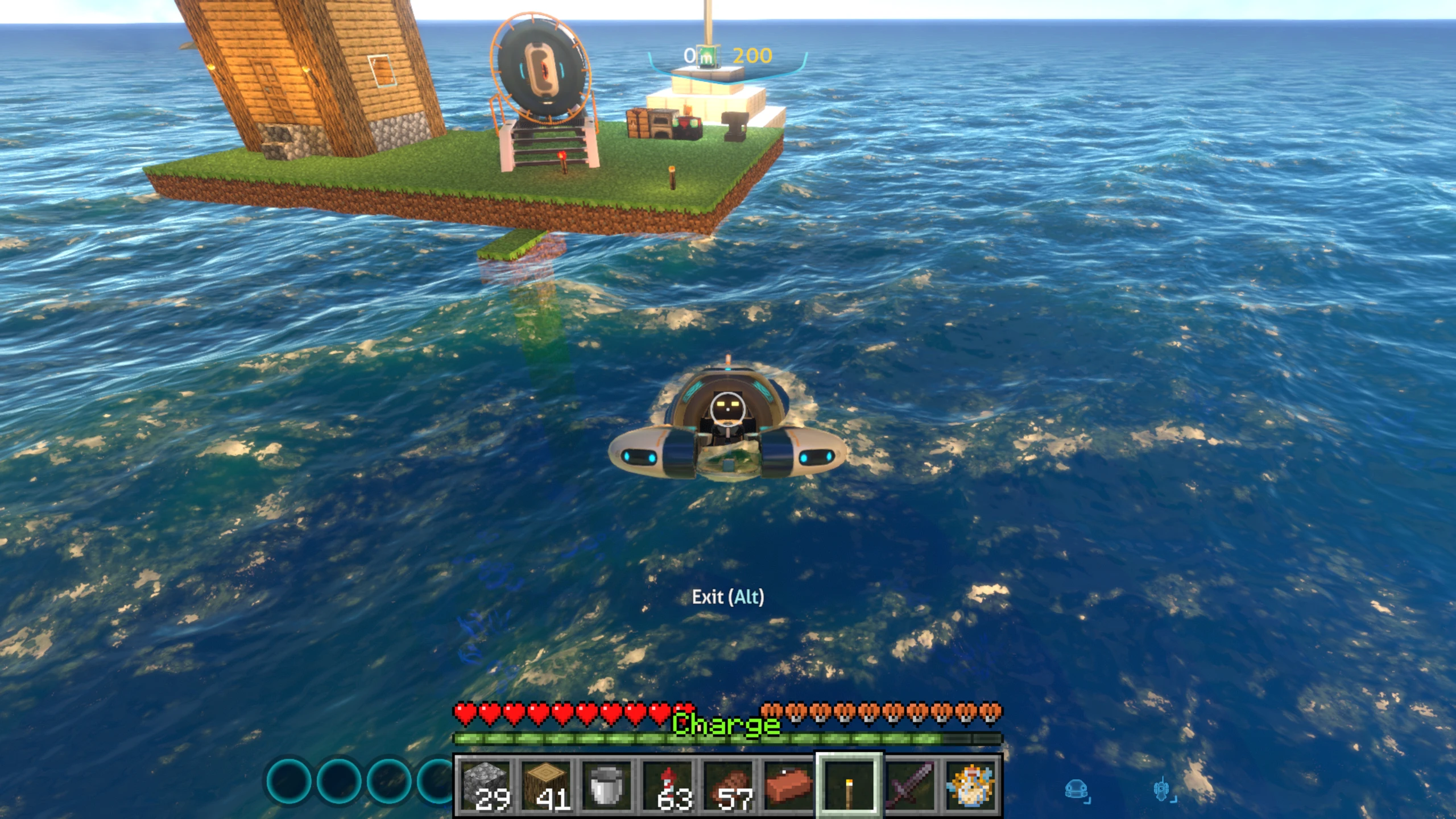
Subnauticraft brings Minecraft's blocks and building into Subnautica. You play Subnautica as normal, and Minecraft runs quietly alongside it, so the blocks you place are real Minecraft blocks, saved with your dive.
What you get
- Build in the sea. Right-click with a block to place it against the sea floor, wrecks or other blocks. Hold left-click to break it. Build walls, towers and shelters underwater.
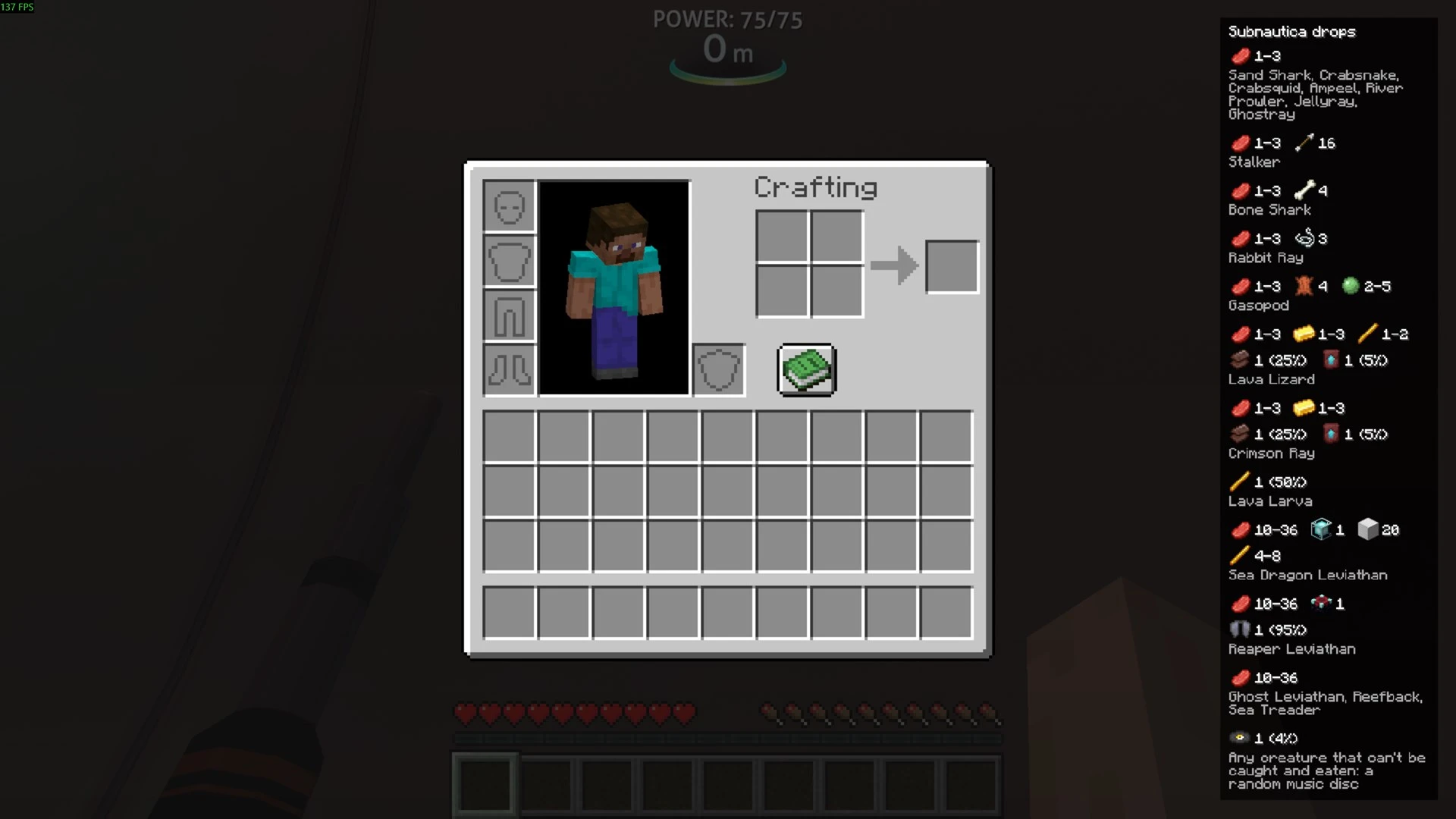
- Minecraft's HUD in Subnautica. The hotbar, hearts and hunger sit on Subnautica's screen. Take damage in one game and you take it in the other.
- Gather Minecraft materials. Hold attack on rock or sea floor to dig up cobblestone, coal, dirt or flint. Use the Fabricator's side panel to turn Creepvine, Titanium, Ruby, Quartz and more into logs, iron, diamonds and lapis. Creatures you kill drop Minecraft items.
- Your world, kept. Each Subnautica save gets its own Minecraft world, so your builds are there when you come back.
Controls
- 1-9 / scroll wheel: pick a hotbar slot
- Right-click: place a block or use an item
- Hold left-click: break a block or attack
- E: open Minecraft's inventory
- drop the held item