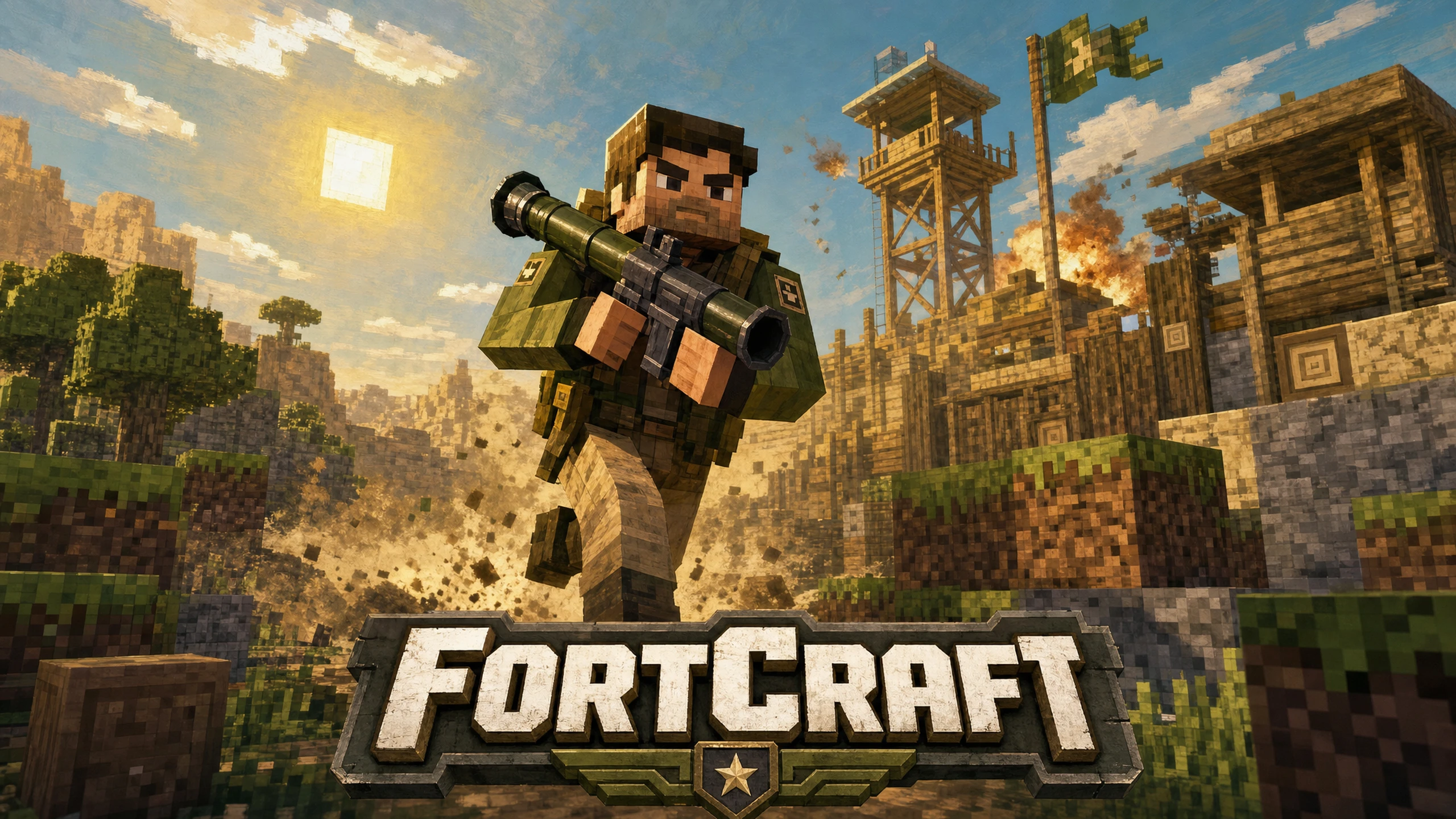
EP2Craft
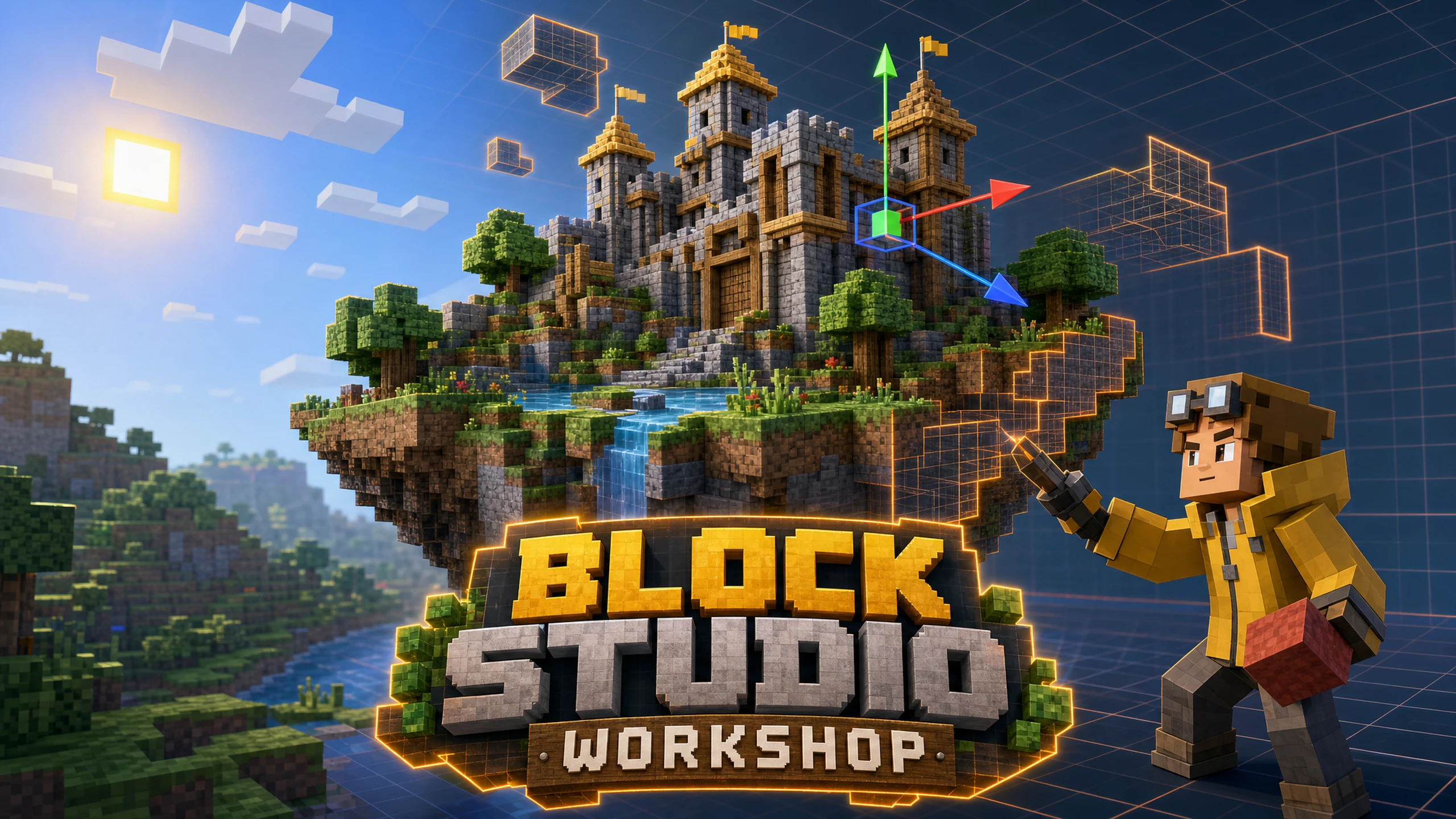
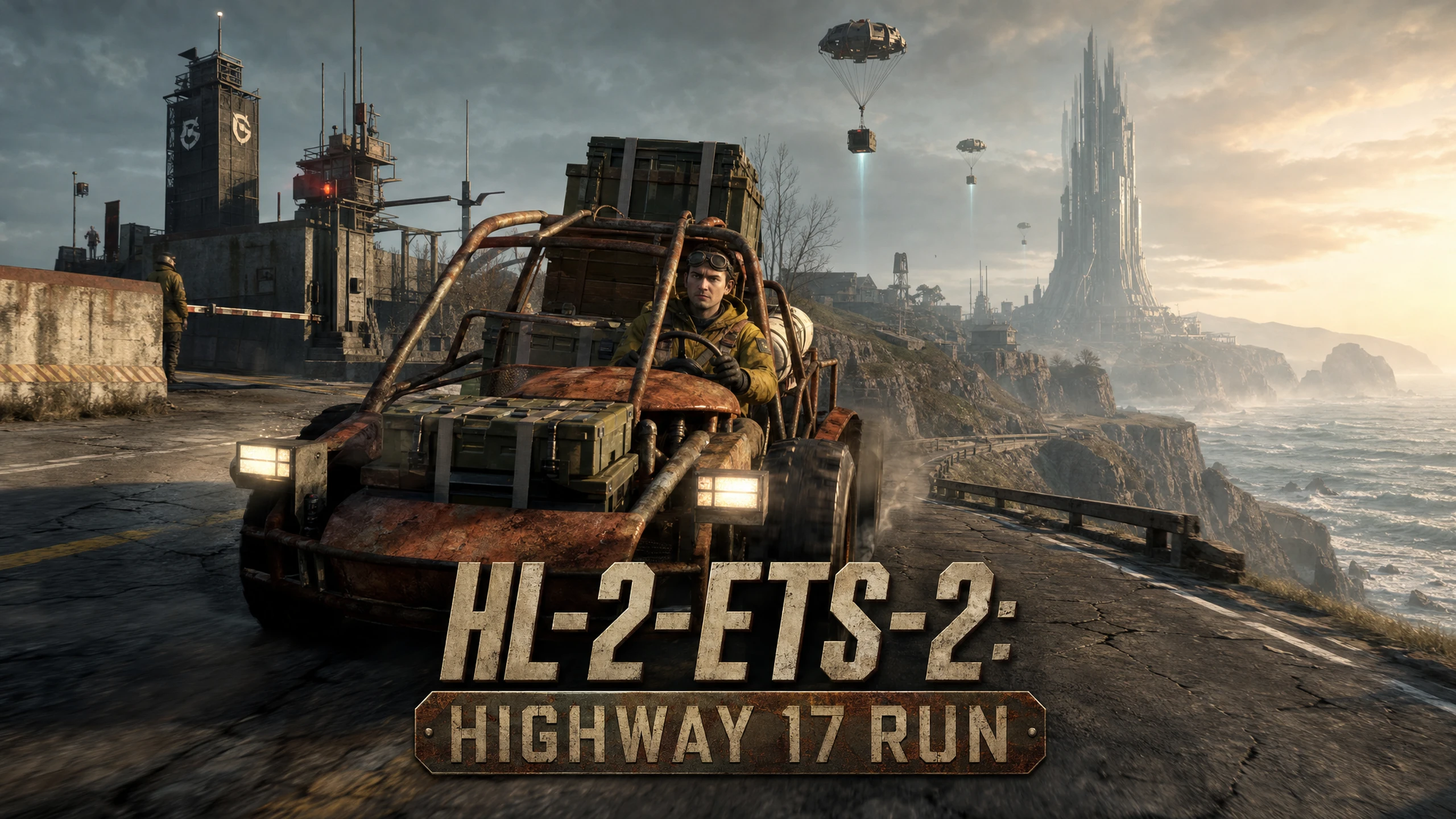
Half-Life 2
Minecraft: Java Edition
Uses its files
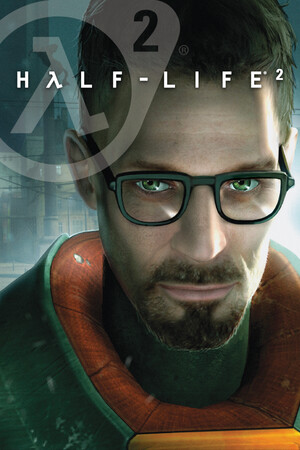
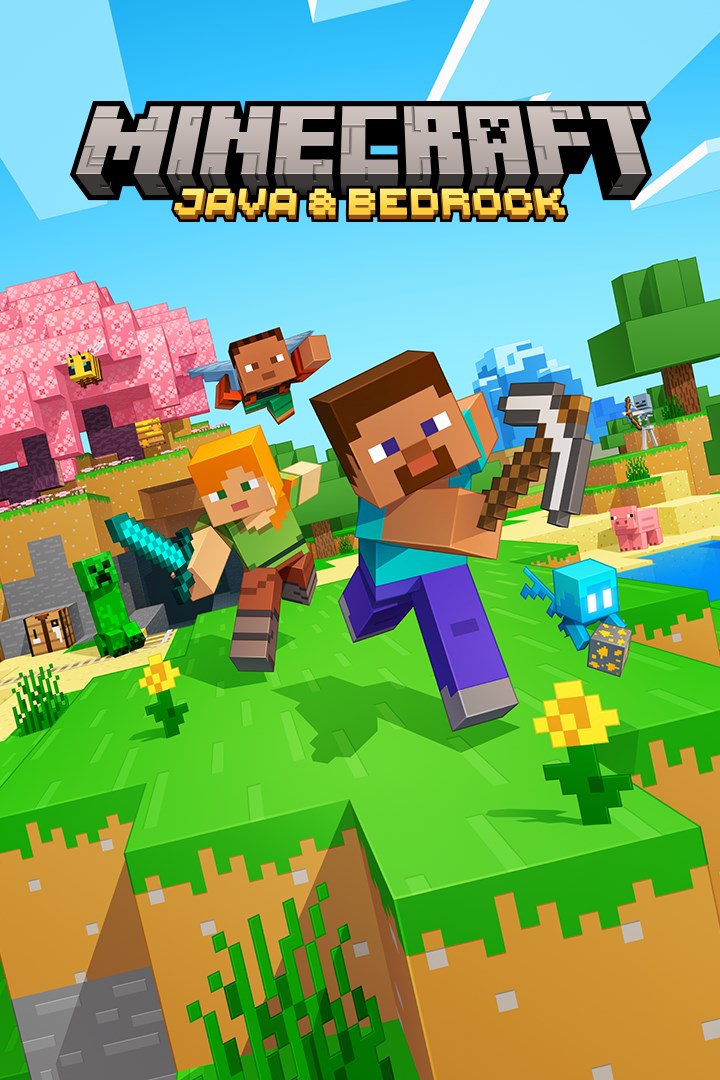
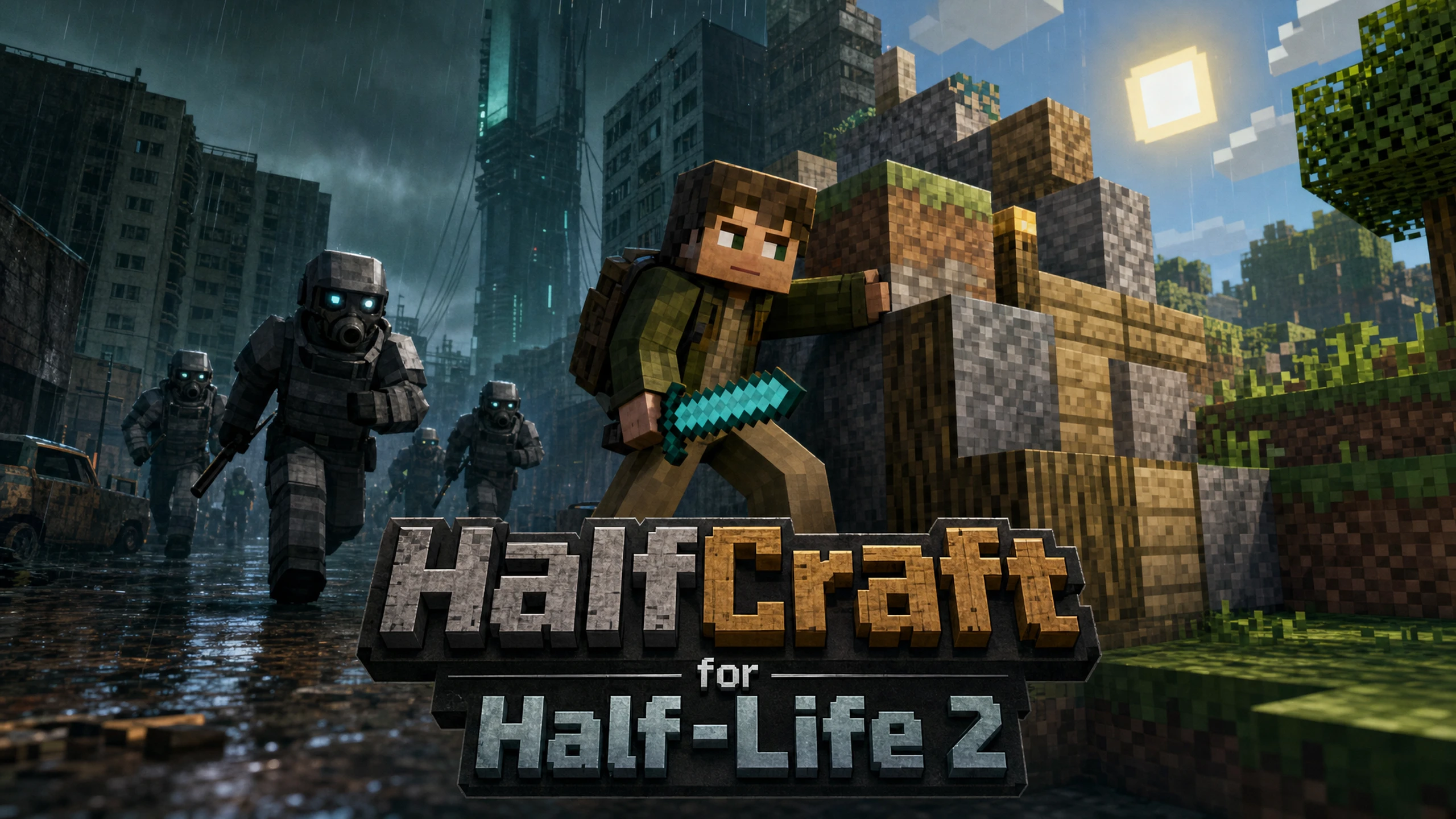
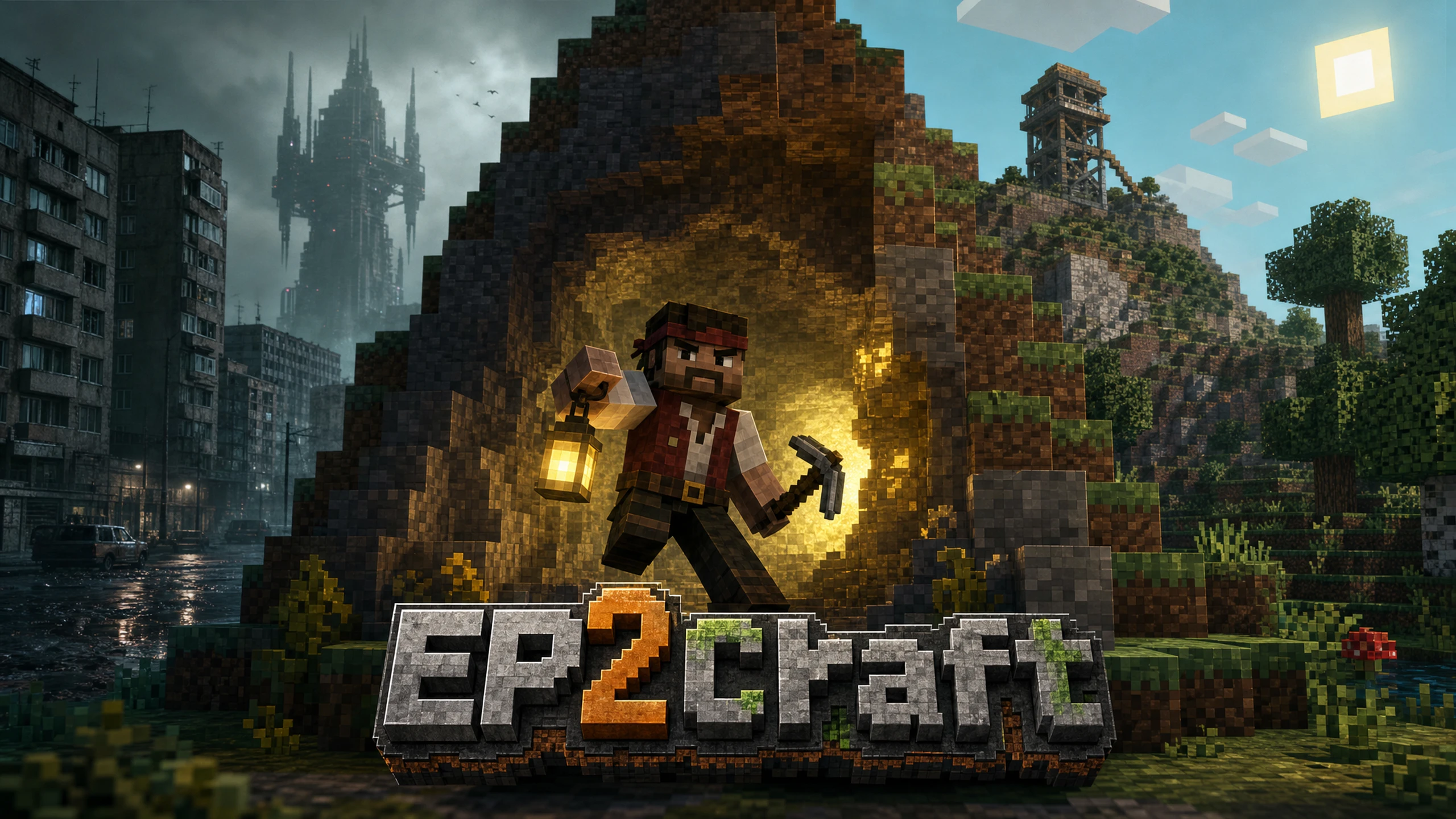
Play Half-Life 2: Episode Two with Minecraft's blocks, hotbar and combat: build, mine and fight your way through the Outlands.
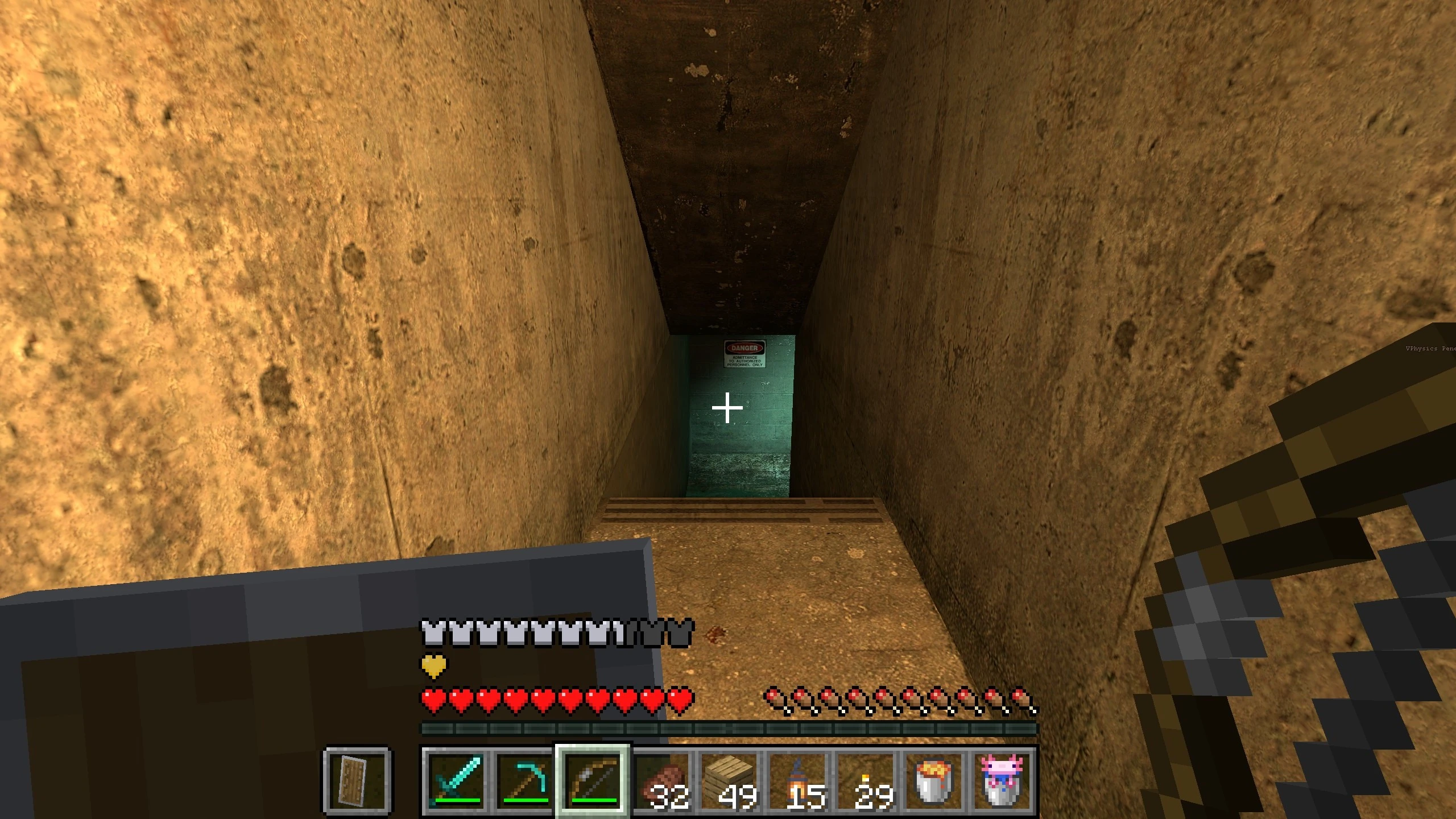
EP2Craft plays Half-Life 2: Episode Two with Minecraft running underneath it. Half-Life 2 draws the world, its characters and its story; Minecraft takes over your hands: your hotbar, blocks, health, hunger and combat.
What you can do
- Place and break Minecraft blocks right on Episode Two's maps: build cover against Hunters, bridge gaps, light the mines with torches.
- Fight Combine soldiers and antlions with a diamond sword, a bow or TNT. Your Half-Life weapons show up on the hotbar too, and fire as usual when you hold them.
- Torches, lava and glowstone really light up the map. Water, ladders, lifts and vehicles all still work.
- Saving and loading in Half-Life 2 rolls your Minecraft builds and inventory back with it.
How to play
- Choose New Game: the chapter list is Episode Two's seven chapters, all unlocked.
- Minecraft's controls work as usual (WASD, mouse, hotbar keys, E for inventory). G is Half-Life's use key, V the flashlight.
- Your saves are kept apart from your normal Half-Life 2 saves.
What you need
- Half-Life 2 on Steam (today's Half-Life 2 includes Episode Two) and Minecraft: Java Edition.
- Patch sets up Minecraft 26.3 with Fabric for you. Minecraft starts with the game and runs in the background while you play.