HelloCraft
Hello Neighbor
Minecraft: Java Edition
Uses its files
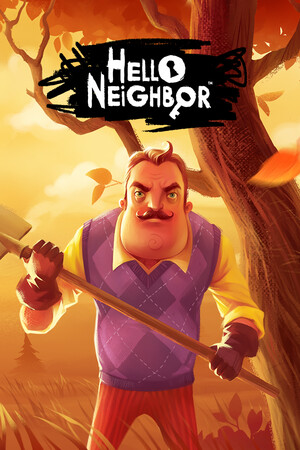
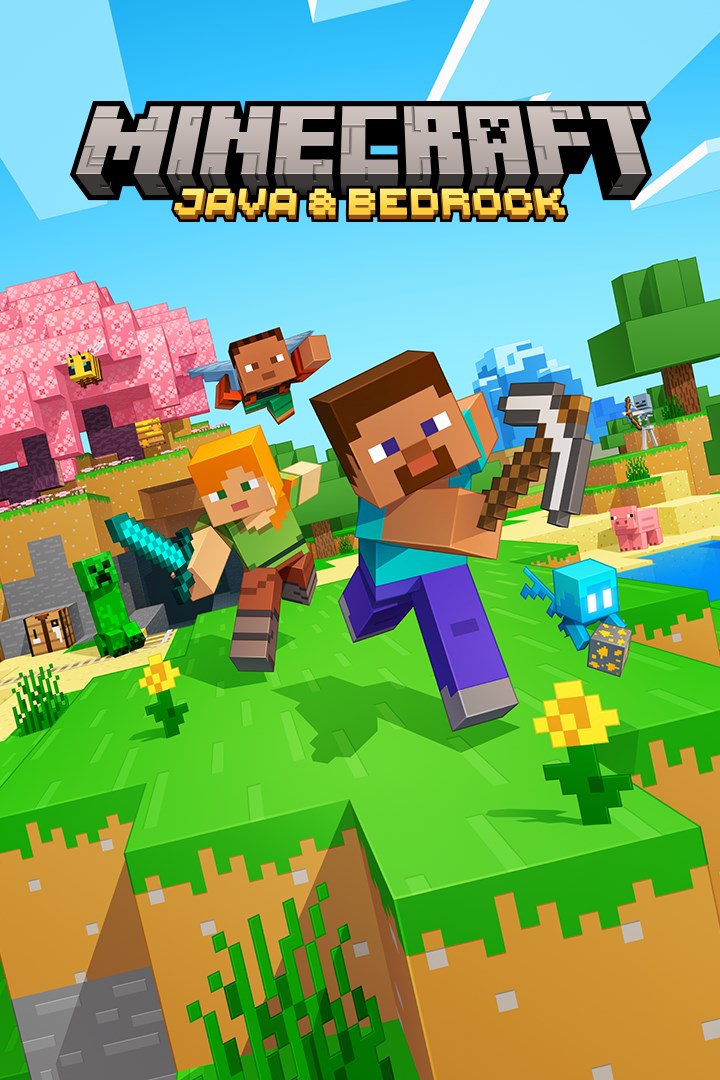
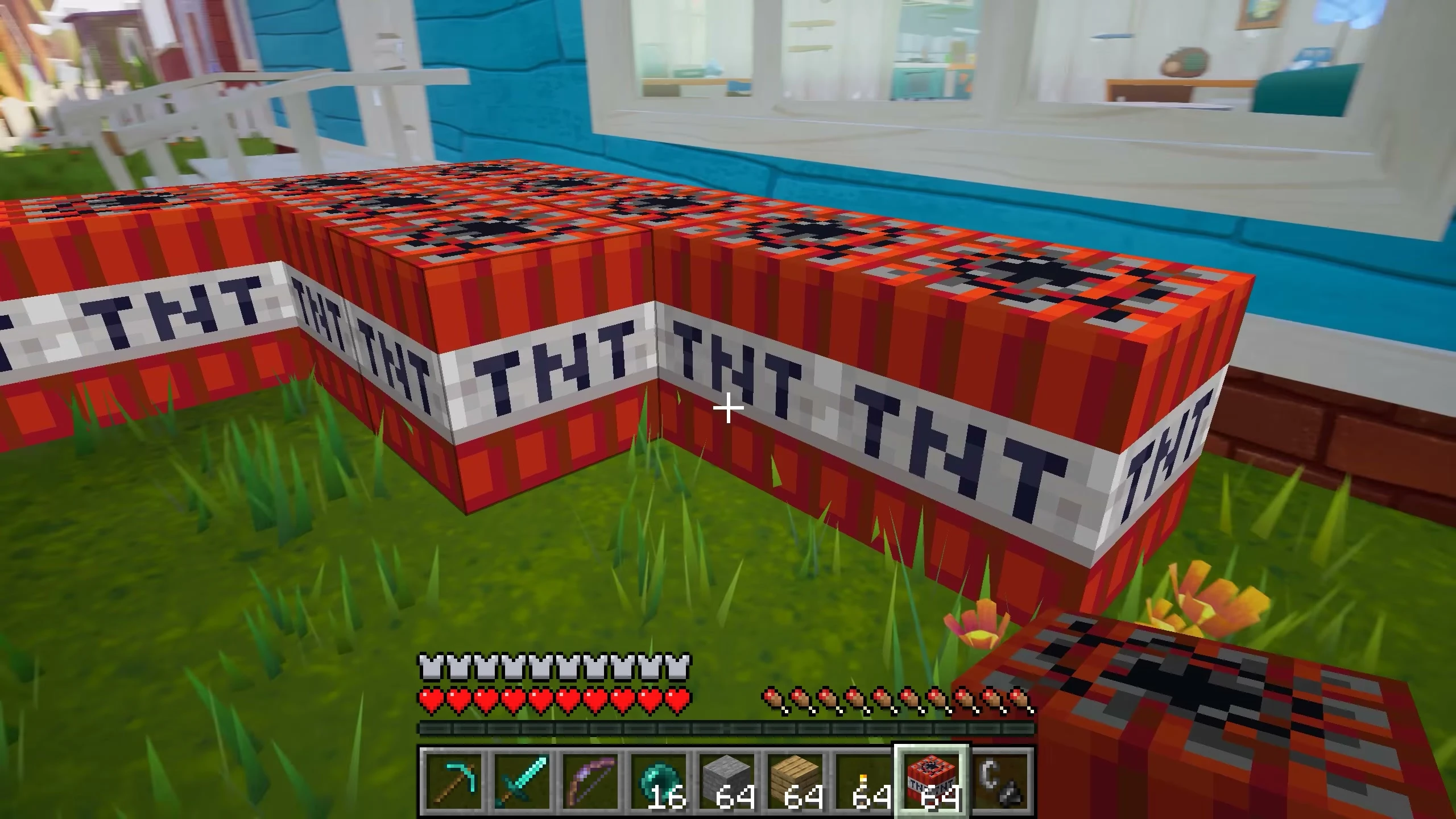
Play Hello Neighbor as Minecraft Steve: mine, build and blast your way into the Neighbor's house.
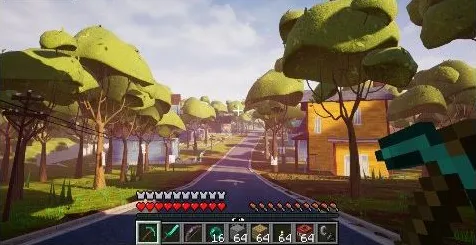
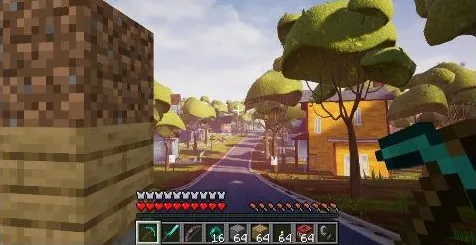
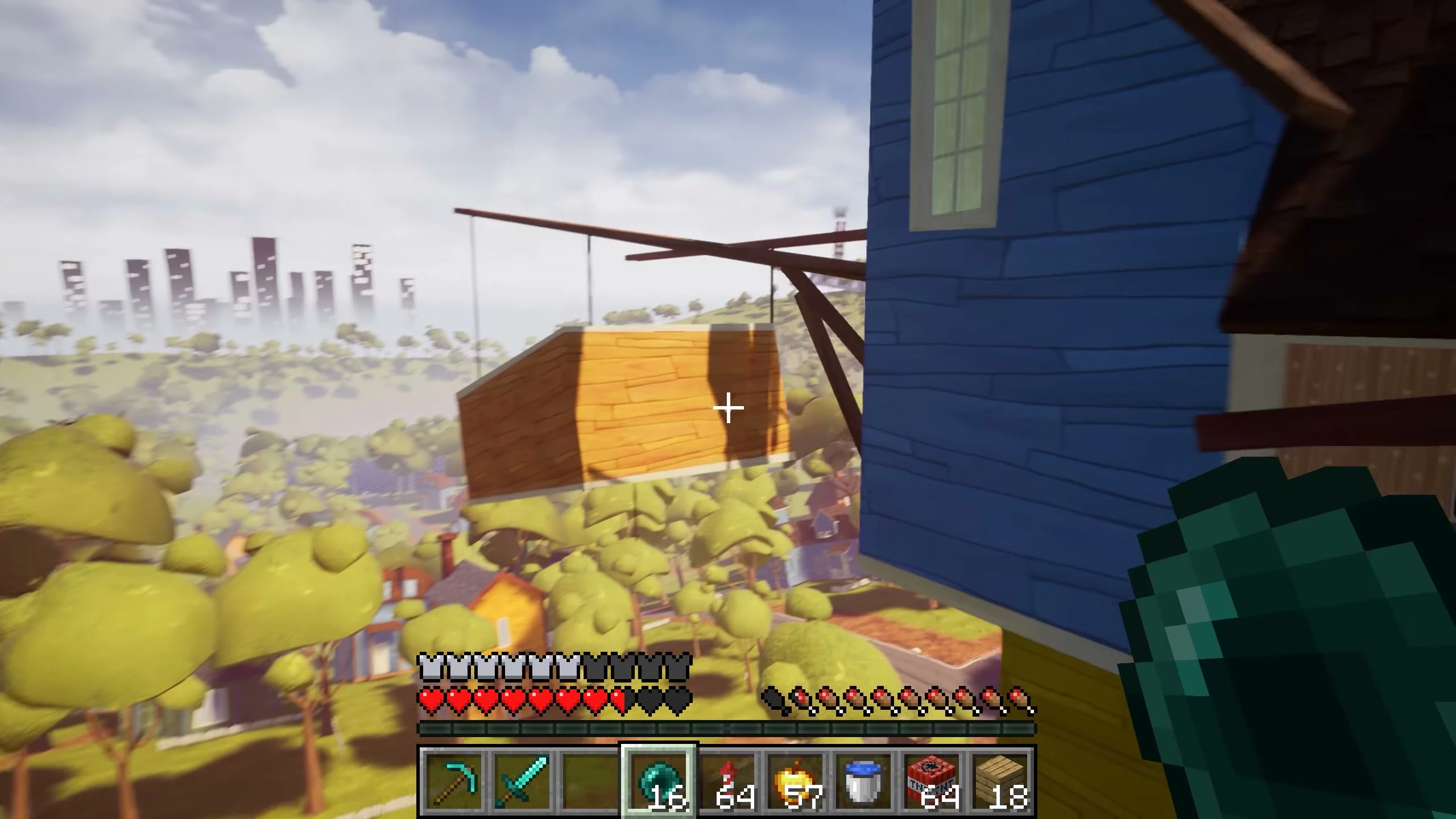
HelloCraft brings Minecraft into Hello Neighbor. You play Hello Neighbor's story with Minecraft's hands: break and place real Minecraft blocks on the Neighbor's walls, floors and furniture, stack your way up to windows, pillar onto the roof, and dig around the locks he keeps.
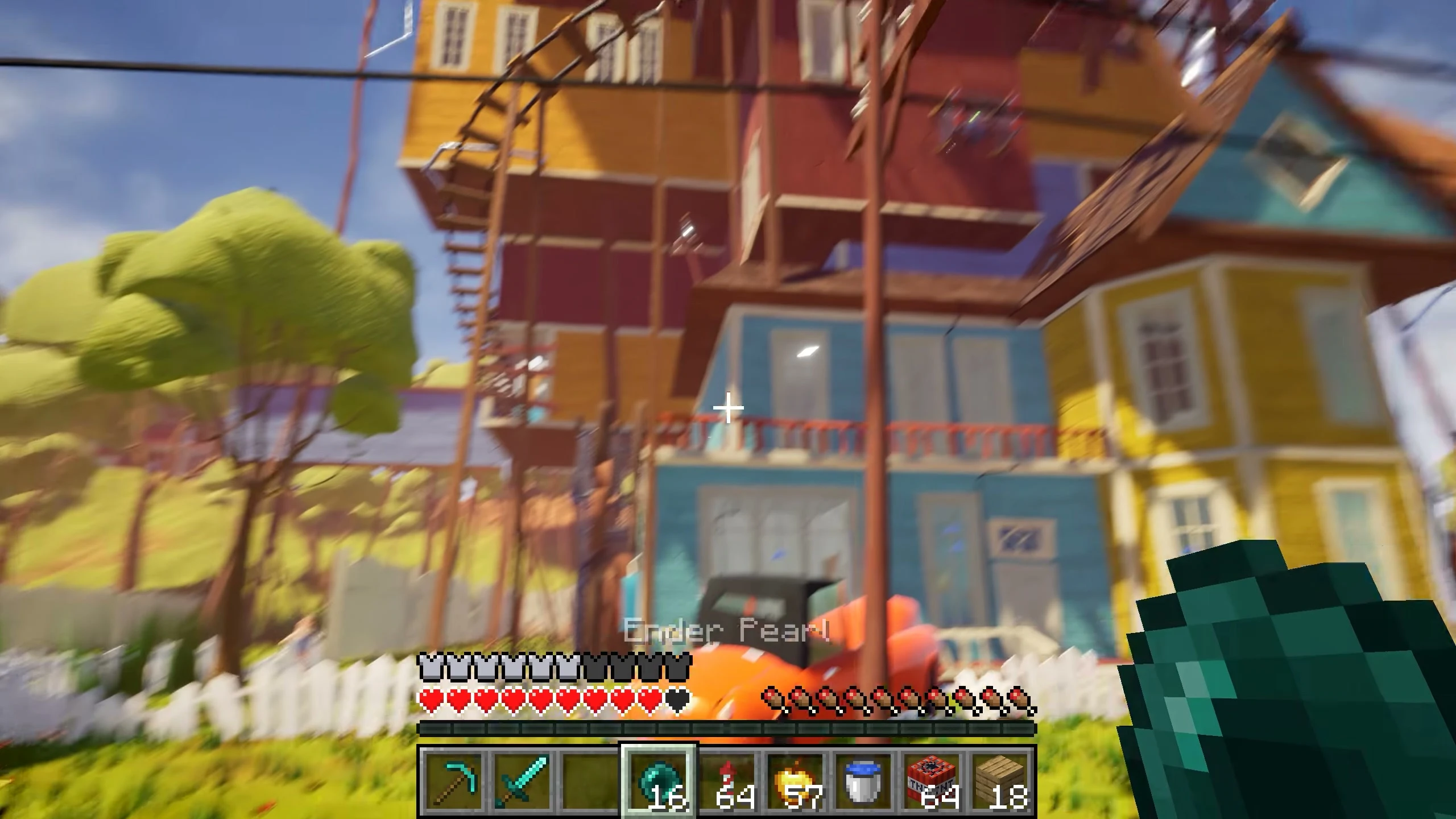
Minecraft runs quietly in the background, and everything it draws shows up inside Hello Neighbor's house: your hand and held item, the hotbar, hearts and hunger, the blocks you place, mobs and dropped items.
What you can do
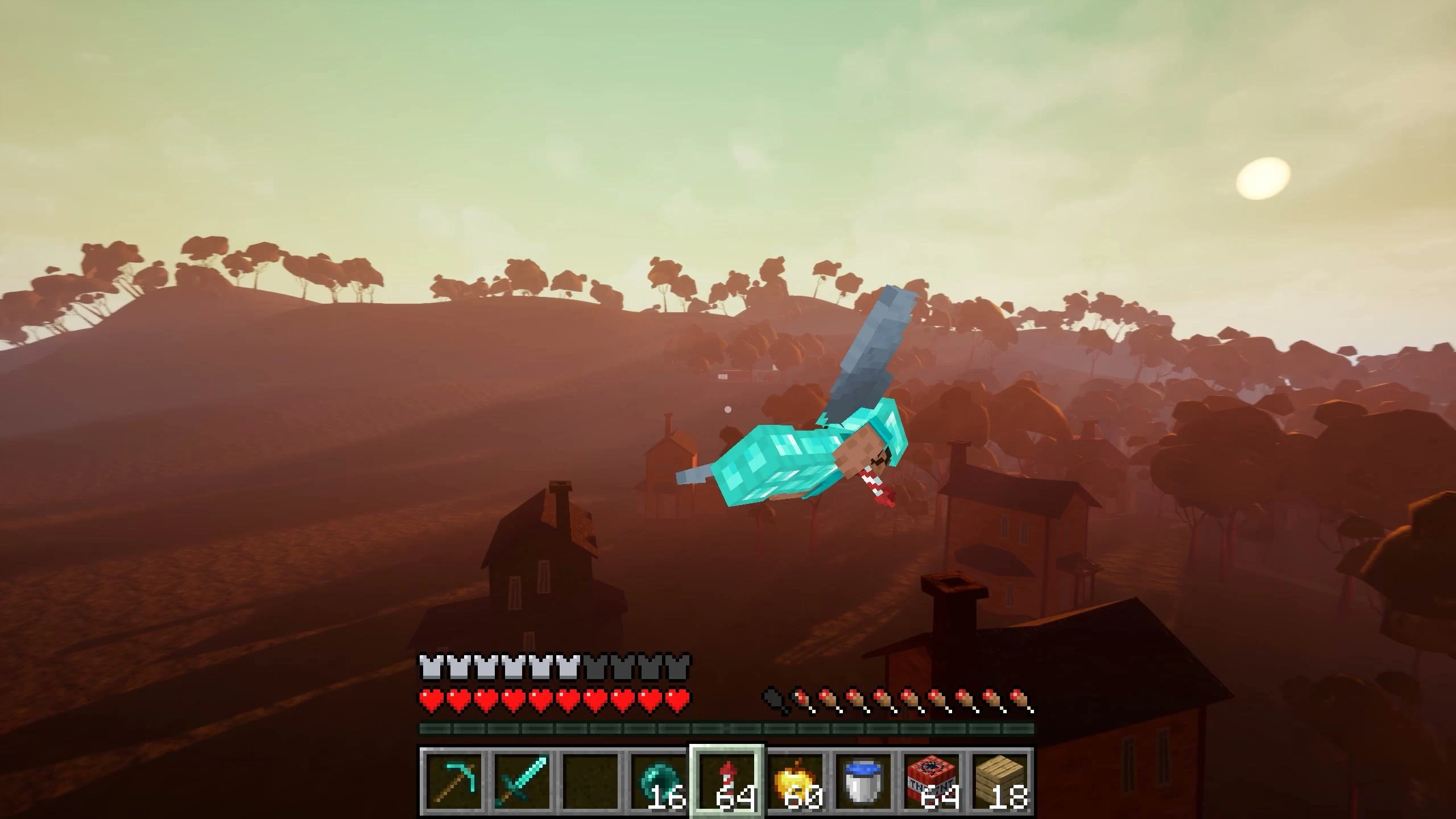
- Move like Minecraft in every act: walk, sprint, sneak, glide with an elytra and throw ender pearls.
- Build and break on the Neighbor's house. Water and lava flow across his floors.
- Still play Hello Neighbor: open doors, flip switches, pick up and throw his things, use his inventory (shown as Minecraft items), climb ladders and hide in cupboards.
- Fight back: arrows and hits knock the Neighbor down, TNT sends him flying, and you can set Minecraft mobs on him.
- Endless arrows, ender pearls, TNT and fireworks. If you die in Minecraft, you keep your things and start again at the level's own respawn point.
Controls
| Key | What it does |
|---|---|
| Mouse, WASD, Space, Shift, Ctrl, 1-9, E, Q, F5 | Minecraft, as usual |
| Left click / Right click | Break / place blocks; right click also opens doors and switches |
| R (hold) |